The Relish Wellbeing App
Product Design / Relish
Summary
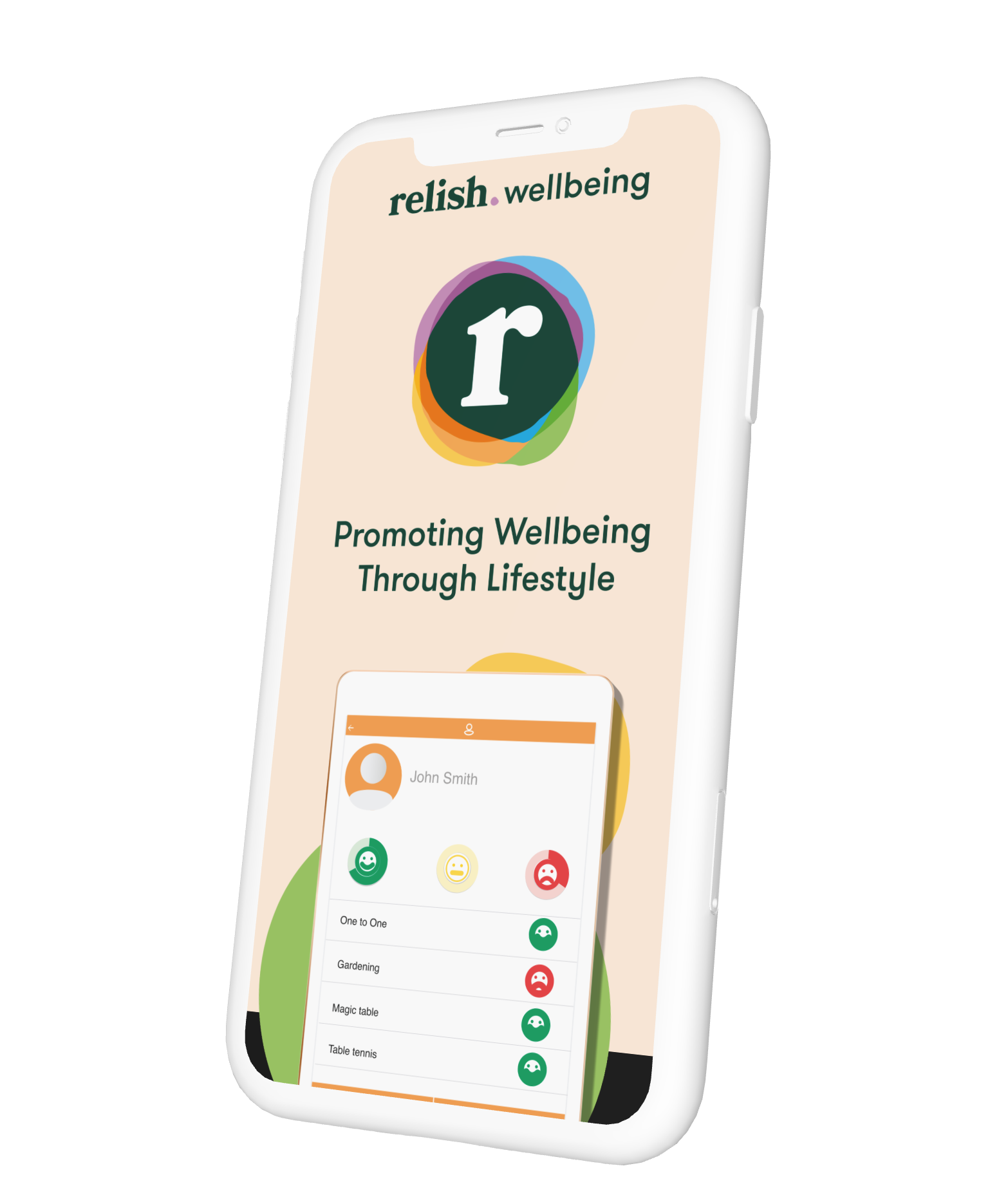
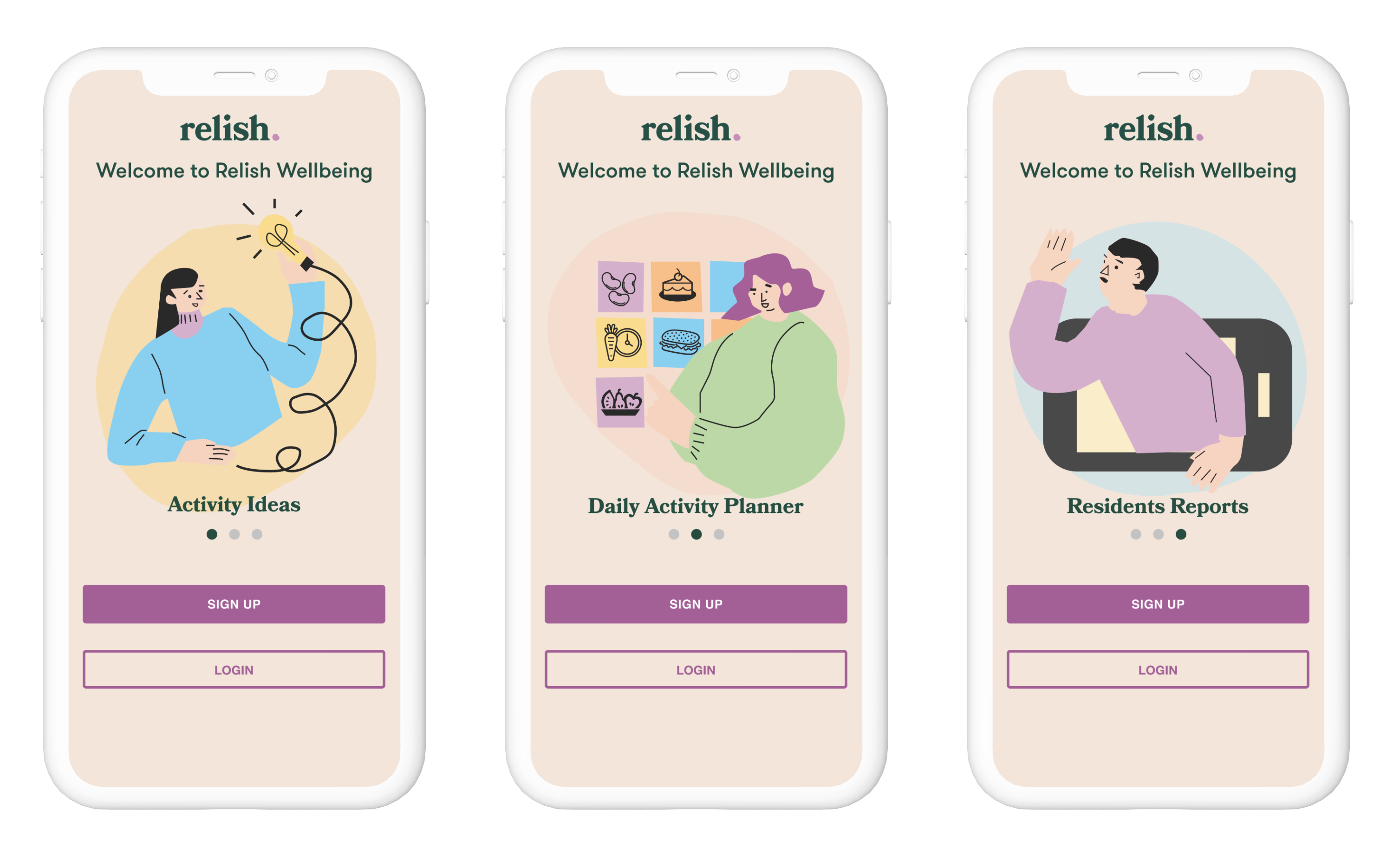
The Relish app is designed to support the lifestyle and activity coordinators within care settings. It helps the carers save time by using the easy reporting tool and activity planner, plus it gives them creative support with the library of activities carefully customised for people living with dementia. Since its launch it has been receiving positive feedback.
My roleThe “Support for care” app launched as an MVP from Active minds the year I joined the company. Following the Active Minds rebrand, I was tasked with redesigning the look and feel to match the new brand guidelines. All UI was redesigned, including sets of new icons, and illustrations.
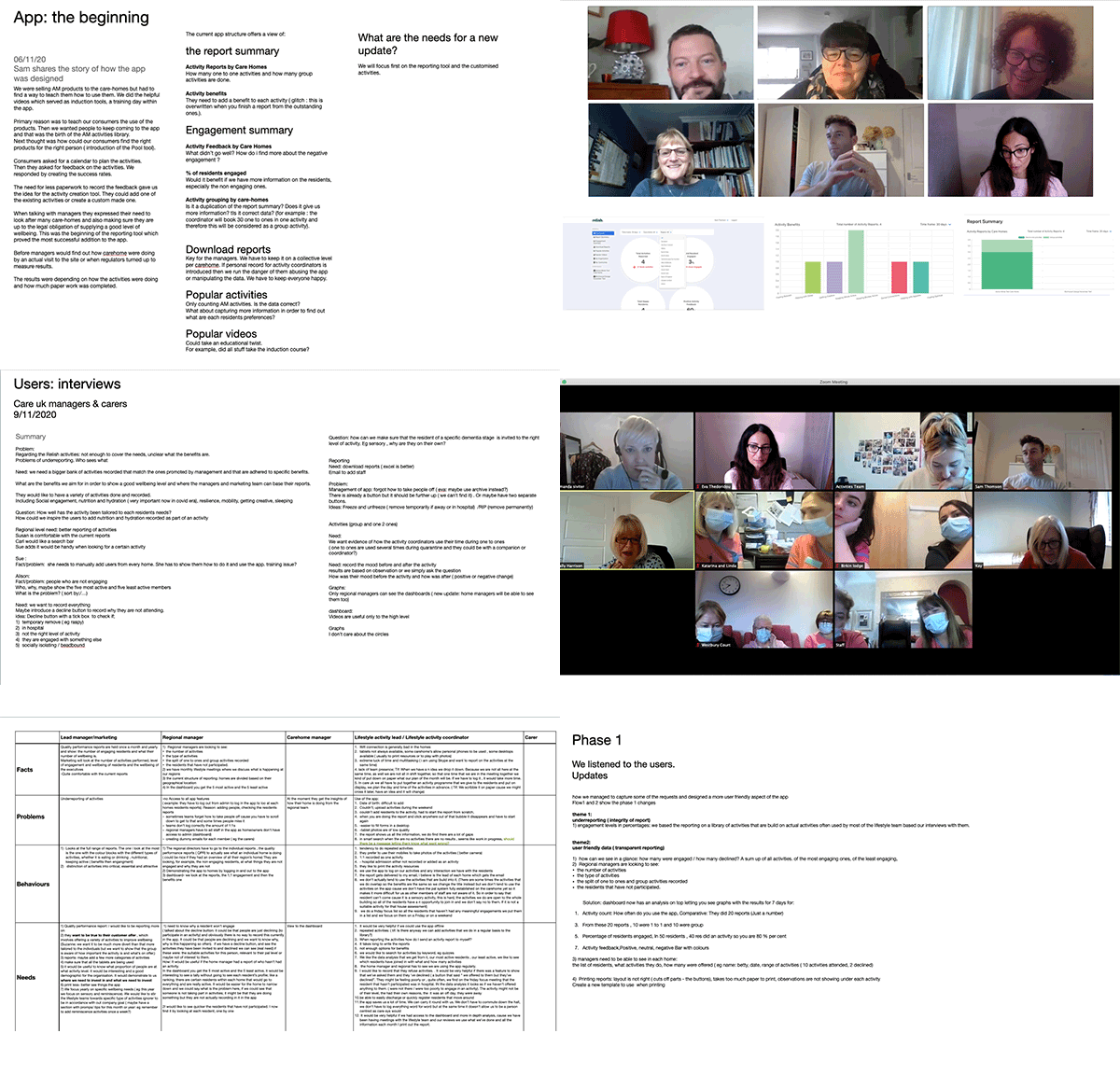
Since the launch we had gathered very good feedback from the users that prompt us to start investing in growing the product. My role was to gather excisting data, start a new round of research and get insights on the current use of the app with the goal to discover and design new features to improve the user experience. Future plans also included to create a new digital product, the relish wellbeing app for the families, a connection tool and memory box for the people living with dementia.
the research
The new features
The “support of care “ app had three main functions; to inspire with a library of activity ideas, to help carers organise their activities with the activity planner and to generate reports for the managers consideration. The problem
The users feedback since the product launch brought up some usability issues. The reports
were not accurate. The activities were not logged in correctly, sometimes there
were duplicates of the same activity and the managers complained that the
generated graphs were too complicated to read. They, also, wanted to get
statistics from all the activities booked
with the residents, for example 1to1’s and medication habits. The carers wanted more flexibility when
filling the reports, for example the ability to add a wider spectrum of emotions, the
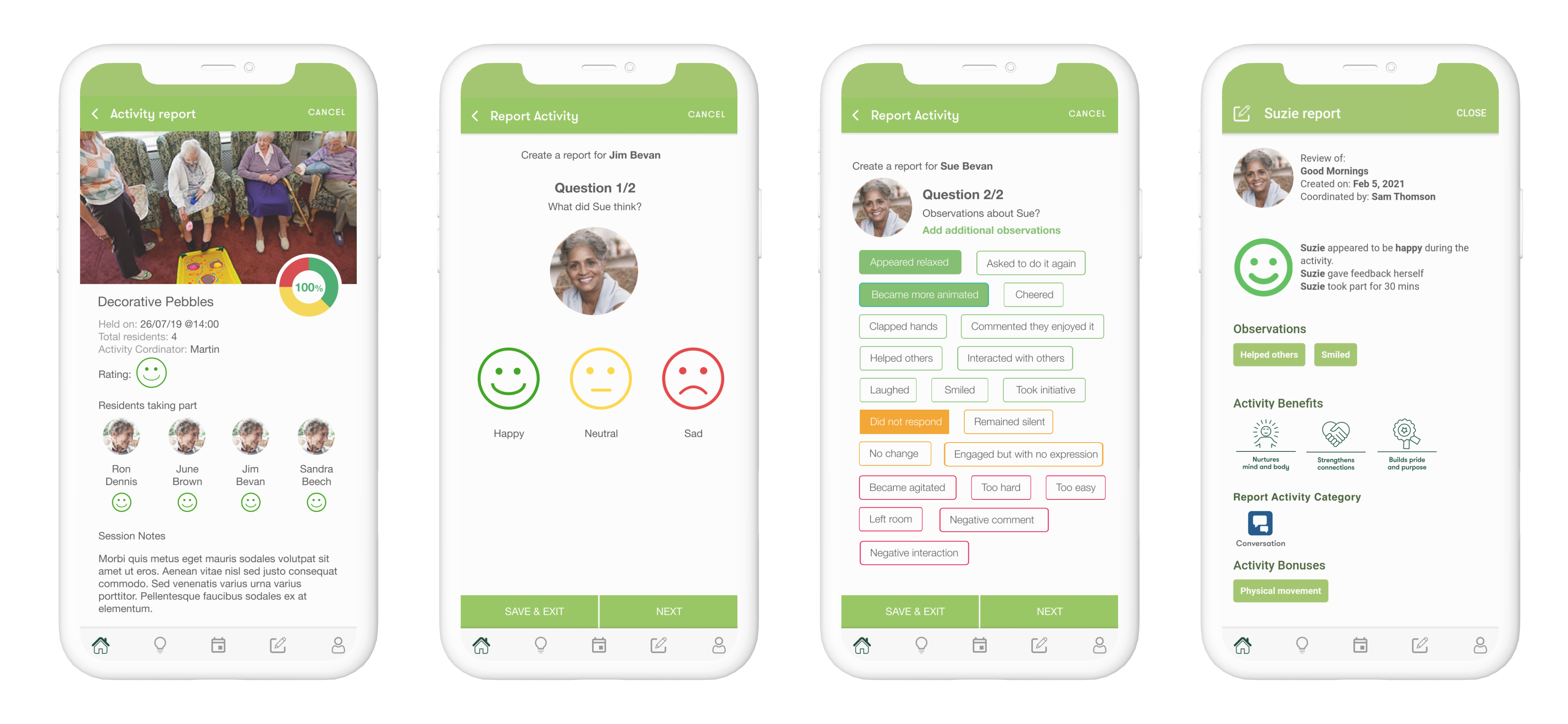
duration of the residents’ participation or the reason for declining an invitation.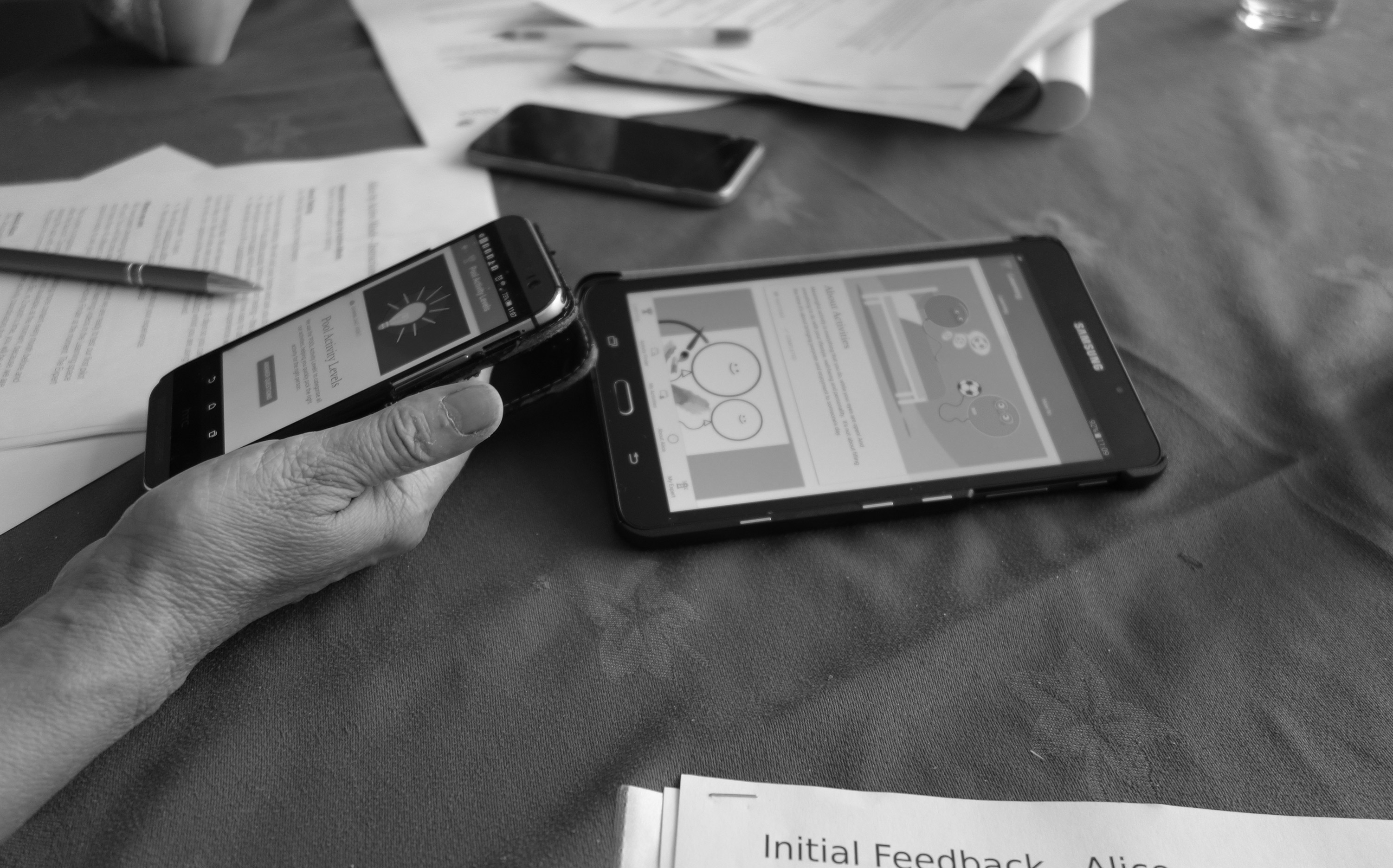
The solution
After weeks of interviews with the top management, the
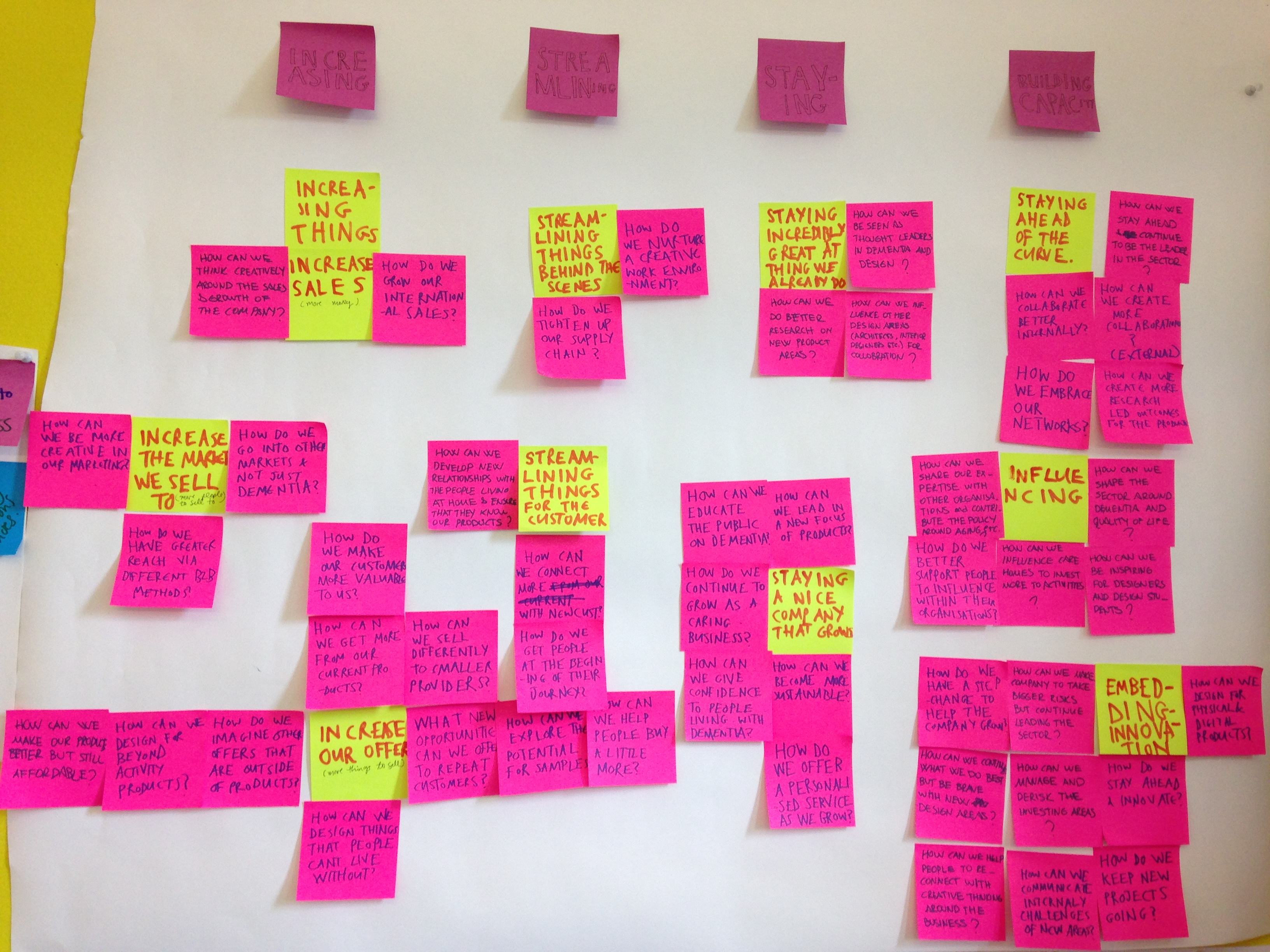
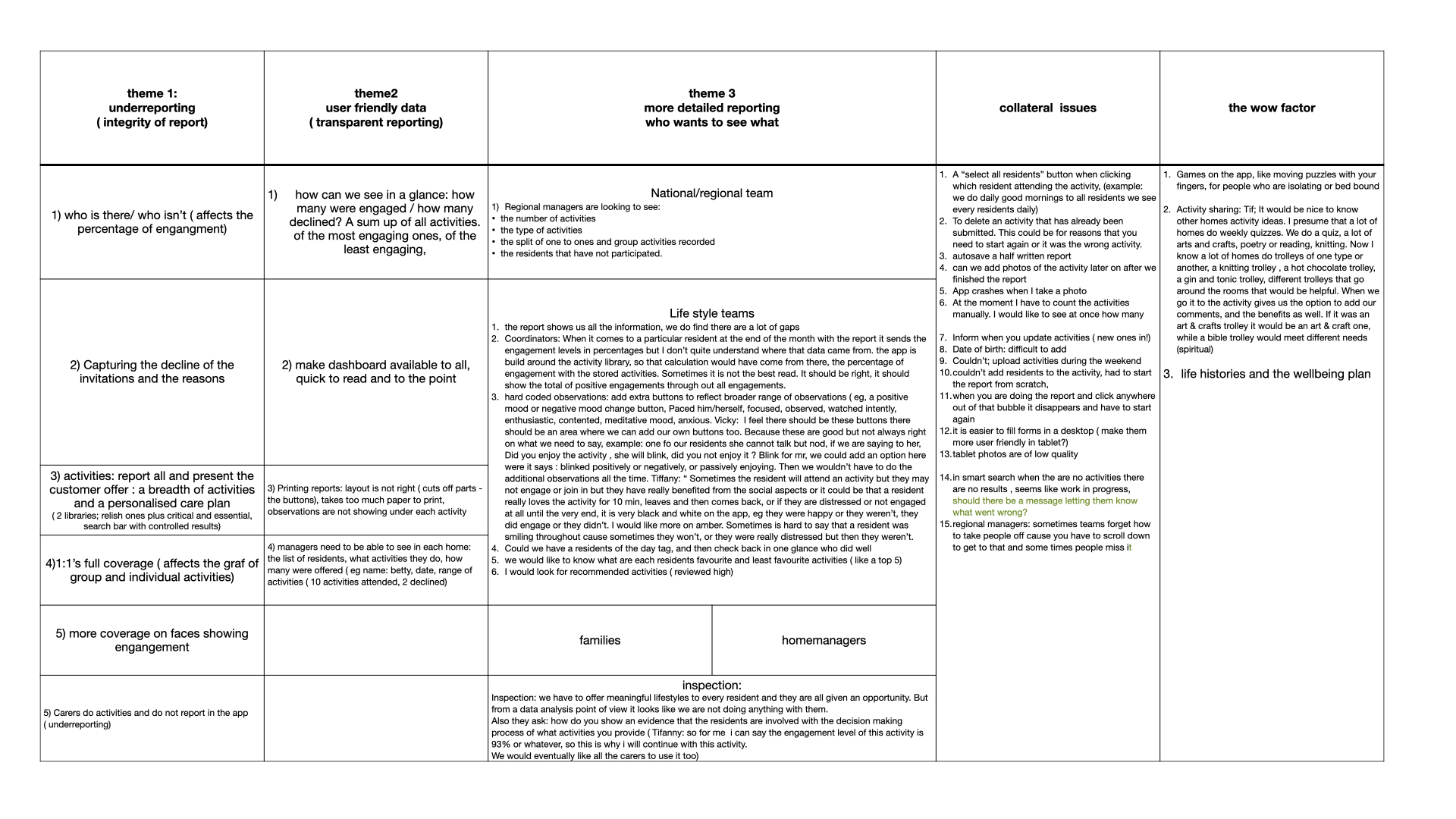
regional managers and the activities coordinators we started analysing the data gathered, tagging the codes that were relevant to our research. Certain themes came up from the affinity map. We categorised them based on the degree to which they are more satisfing to the customers to help us prioritise. With a careful analysis and a thorough study of the insights we managed to find
solutions and design new features that catered everyone’s needs.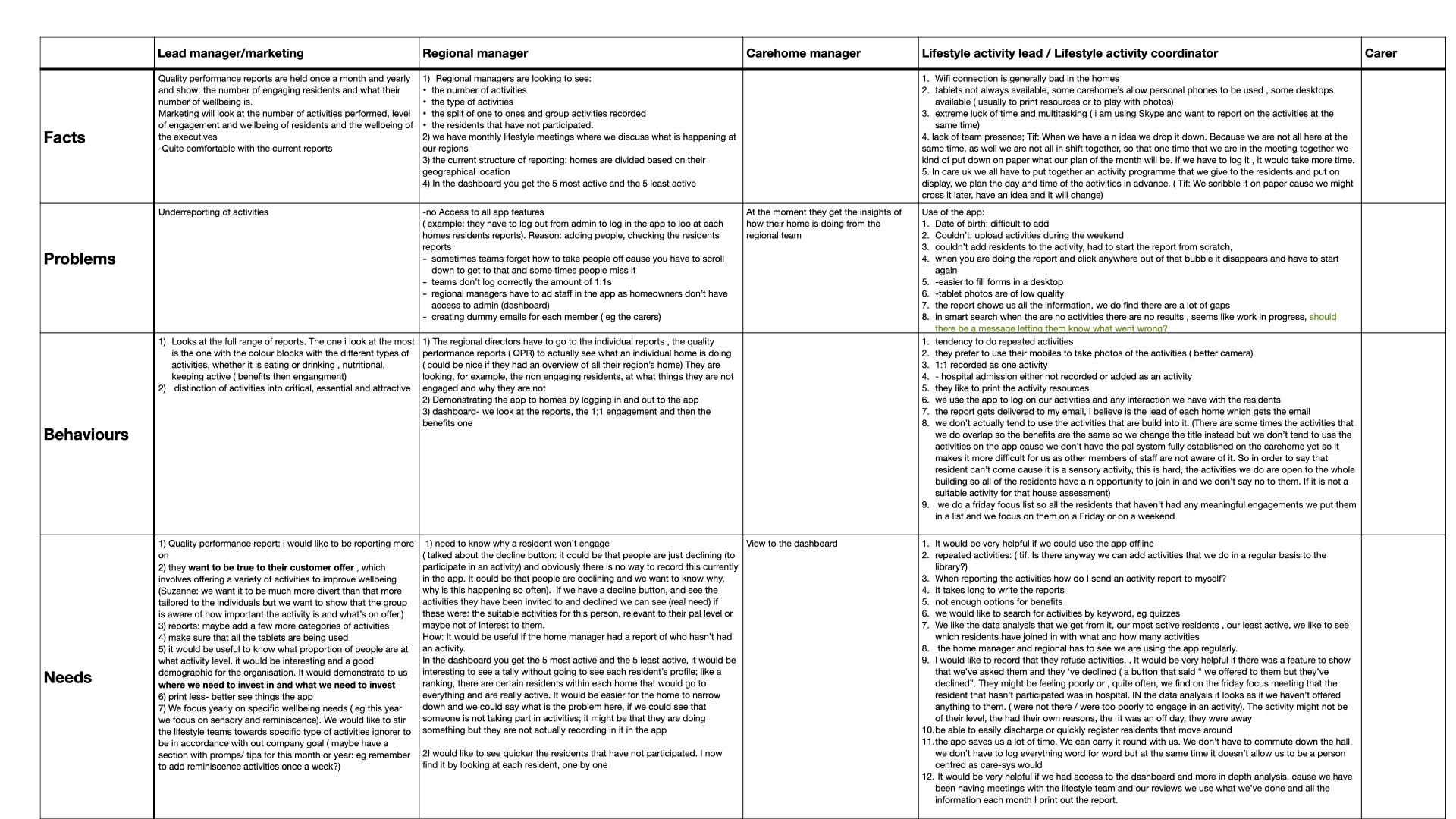
High Fidelity Prototype: the report for each resident with the new features
The result
A big jump in retention and a great positive feedback from the carers and families who were also happy to see how their loved ones were doing during lockdown. The number of carehomes using the app doubled and we hit a big milestone after the first app update went live.
Design process: A new style guide
We wanted to make the language, visuals and signage of the app easily comprehended by different care home professionals. To connect the dots we had to go and listen to everyone involved, understand the way they talk, and look at type of signage and imagery they are familiar with.
![]()
![]()
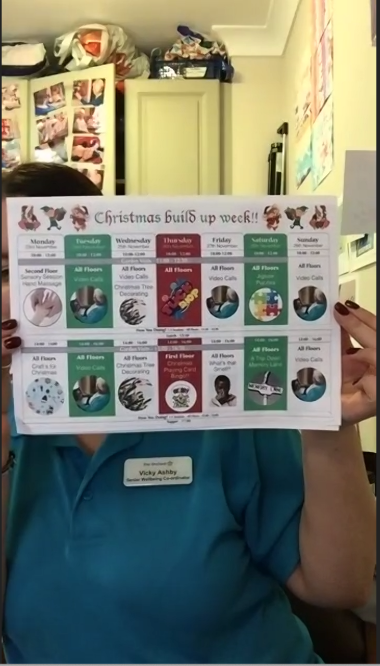
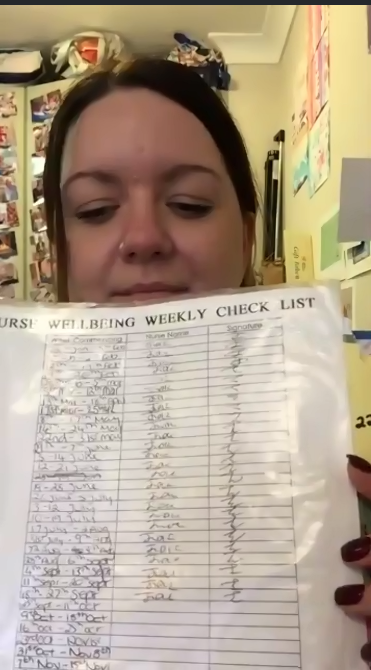
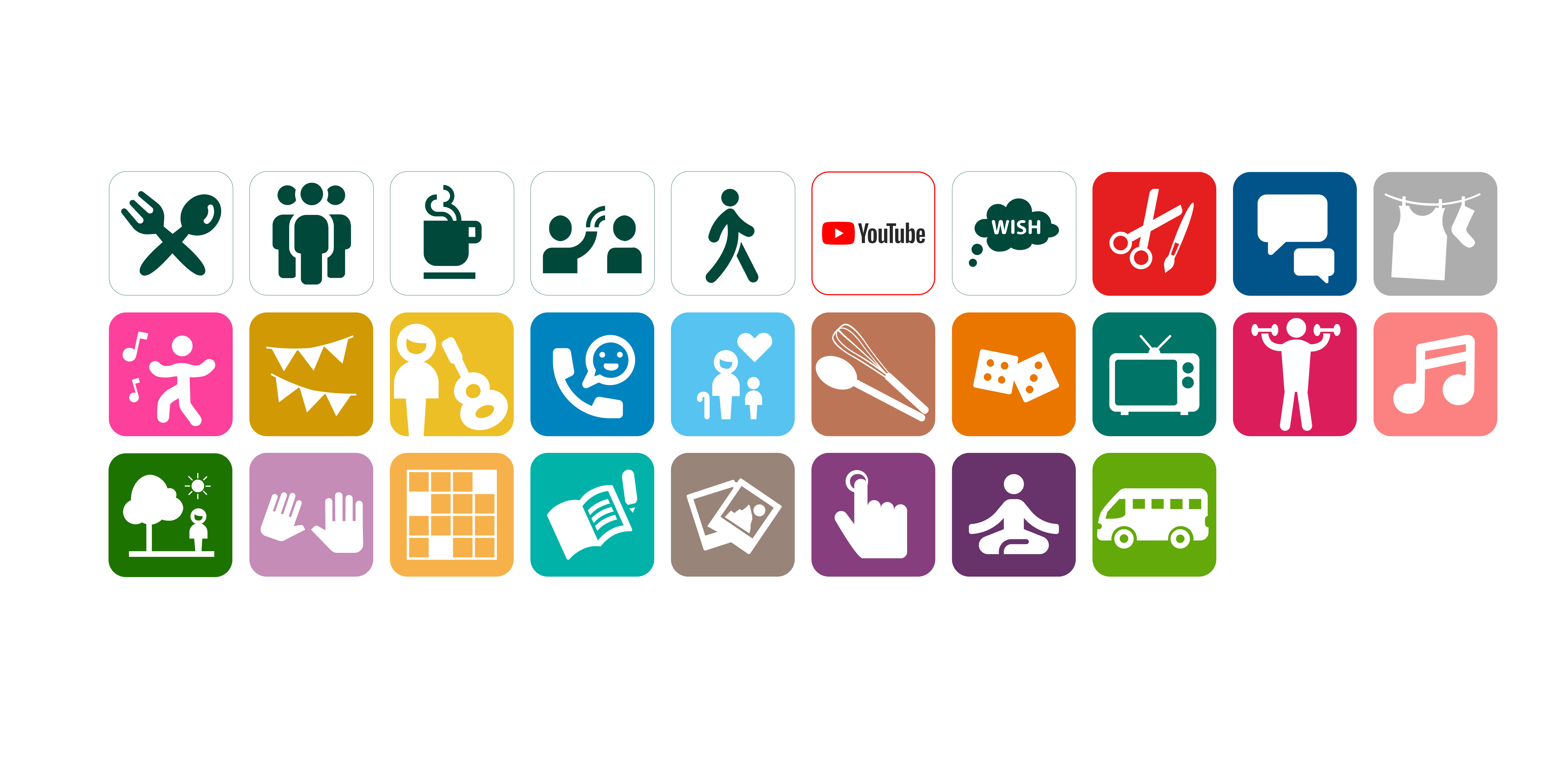
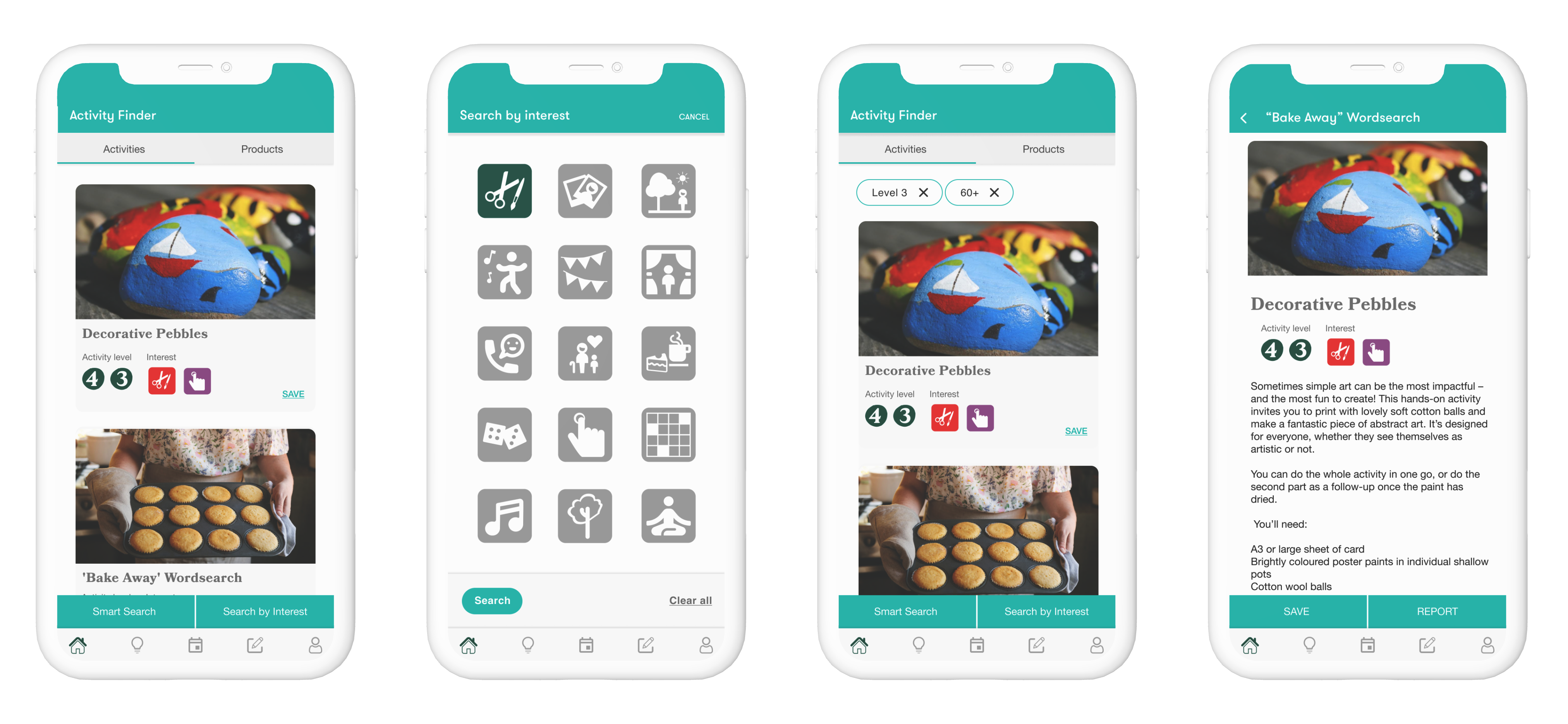
After collecting all the information, there were already some visual patterns emerging. The tone of voice and language was easier to get but the visual identity had to be tested to make sure it is easily recognisable. After testing them we decided to go with the icons below. Each icon represents a type of activity (cooking, meditation, family call, outdoors activity and so on). Each activity type was assigned a colour to make it easier to read when seen on a graph. The statistics were a major concern for the management team; the colour attribution helped simplifying the generated data charts..
The new look![]()
The graphs
The graphs show you the actual statistics for the activities happening within each carehome; they show the number of activities delivered by day, the overall resident feedback (responses from the residents regarding the activities you have on offer), the engagement of residents (active/inactive). A clear way to see how well received some activities are.
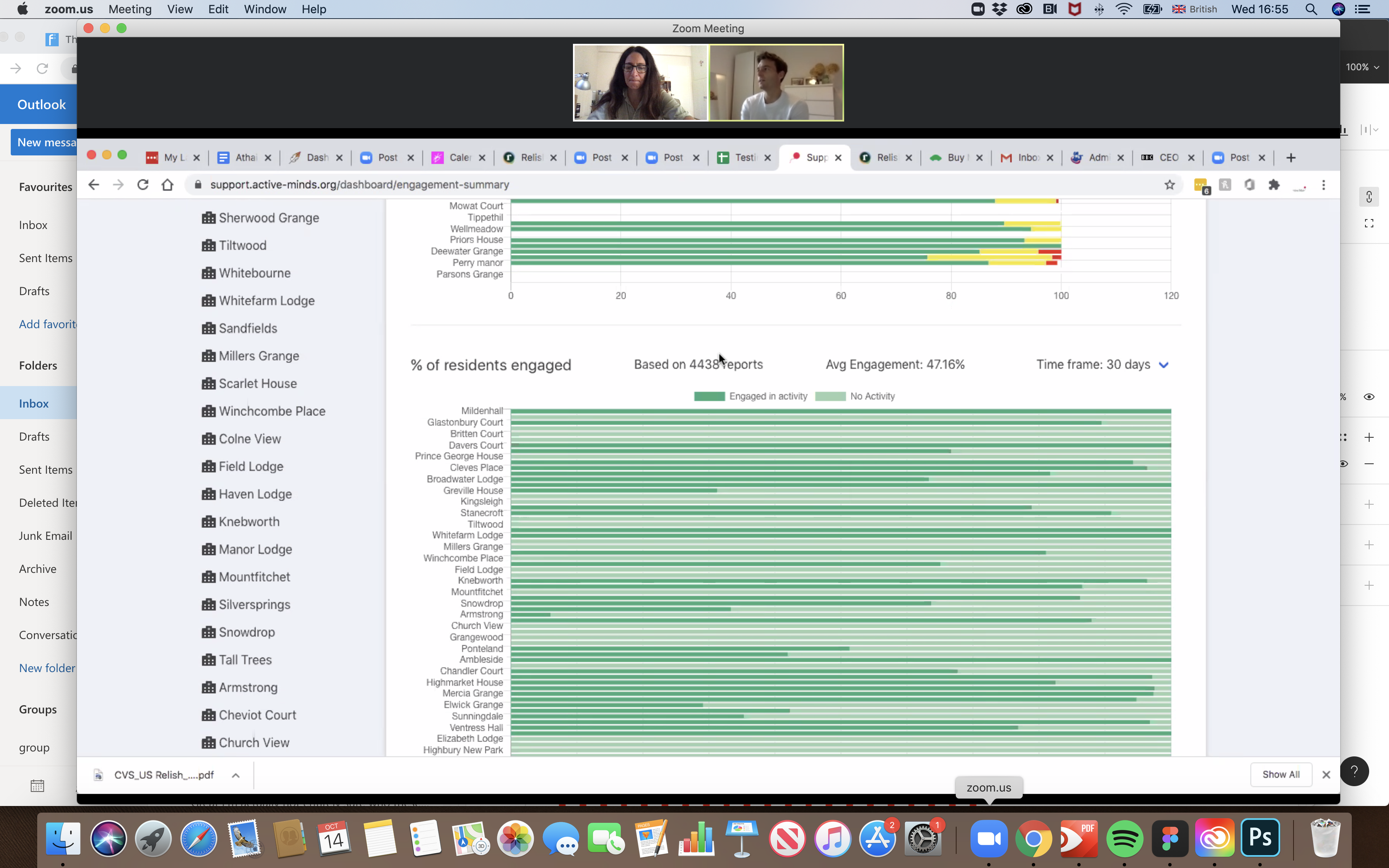
We had to find a way to make the stats easier to read and empower the activity coordinators to use the activity reports. This came in the form of a robust dashboard, that made it easier than ever to track progress, set goals, and learn which activity type was better received.
New dashboard with live feeed of weekly stats.
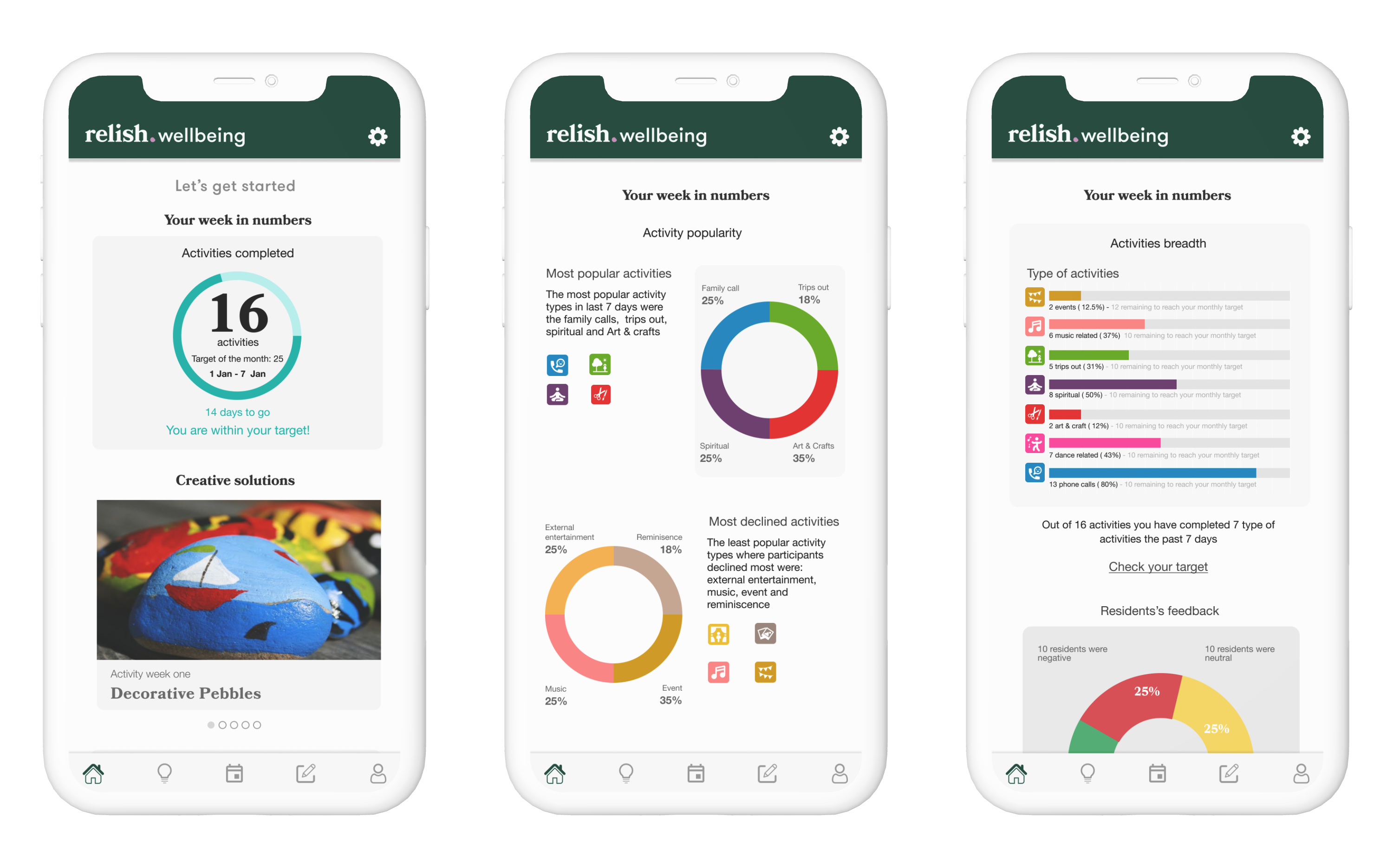
By distributing the activities into types and with the newly introduced colour attribution element the charts were easier to read.